| Aspect | Linktree | ProSeen |
|---|---|---|
| What a visitor sees | Links, embeds and content blocks | Your story, services, credentials, work and testimonials |
| What it's built to do | Send visitors on to your links and content | Show the person deciding whether to work with you what you do and how to reach you |
| Trust signals | A verified badge for social accounts (paid plans, still rolling out) | Verified credentials, consented testimonials, real work |
| Being found | Mostly through your social bios; SEO settings on Pro | Structured so Google and AI assistants can read it, plus a listing in the ProSeen directory when it opens on January 1, 2027 |
| Client inquiries | Contact forms, with submissions in your Audience dashboard | Message form with an inbox, booking calendar, pipeline (Pro) |
| Profession awareness | Themes you choose and fill in yourself | Shaped for your profession from the first click |
Checked against Linktree's own pages on October 22, 2026: Linktree: add a contact form, Linktree: contact forms, Linktree: verified badge, Linktree pricing. Plans and features change, so check theirs before you decide.
Fair is fair: Linktree is excellent at what it's for: putting every link in one place under your social bio, with contact forms and an Audience dashboard for the people who sign up. If all you need is a hub for links, it's a fine choice.
Keep Linktree in your bio if you like, and point its most important button at a page that presents your work in full.
What changes for you
A page that carries its weight
Moving isn't a migration. Your Linktree audience follows one link, and lands on a page that finally does your work justice.
- Shaped for your profession from the first click
- Verified credentials and consented testimonials built in
- Structured so Google and AI assistants can read it, and listed in the ProSeen directory when it opens on January 1, 2027
- Messages, booking and a pipeline when you're ready (Pro)
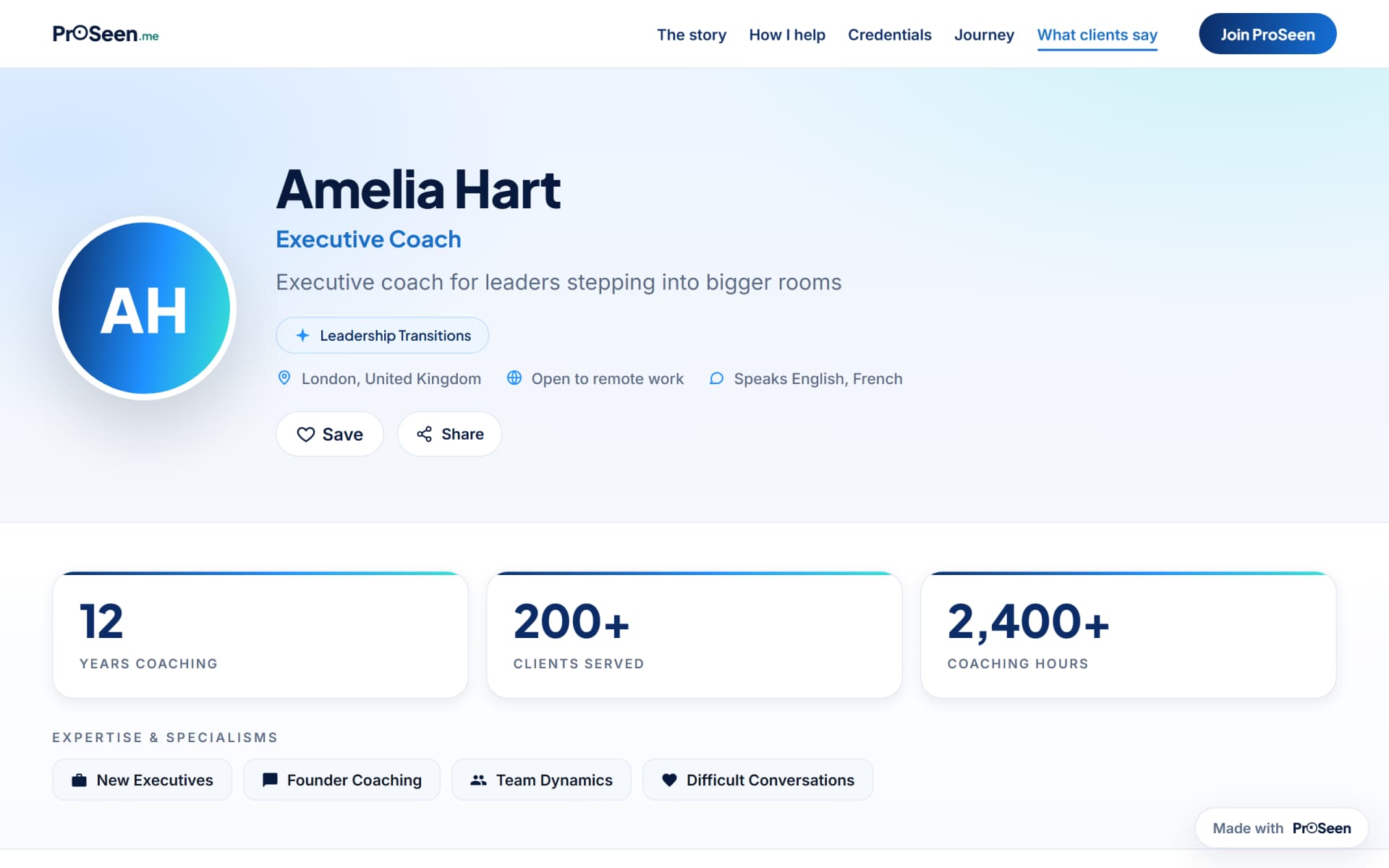
Switching takes minutes
Three steps, no lock-in
Pick your profession and answer a few questions. Most people publish in about ten minutes.
Put proseen.me/yourname in your bios, your signature and your Linktree profile.
Visitors understand you in a minute, and on Pro they can message or book you on the spot.
Common questions
Before you switch
Do I have to leave Linktree?
No. Keep it for what it's good at. ProSeen becomes the destination your other profiles point to.
Is Free really enough to start?
Yes: a real page with starter limits, built so search engines can read it, and listed in the ProSeen directory when it opens on January 1, 2027. When you outgrow it, Plus lifts the content limits and Pro adds the client machinery.
How long does moving from Linktree take?
About ten minutes. You pick your profession, answer guided questions about your work, and publish. There is nothing to import and nothing to configure.
What happens to my content if I leave?
It's yours. Export is self-service, and deleting your account removes your page. We would rather you could leave easily than feel stuck.
See for yourself
Your page, live in about ten minutes
No card needed to start. Bring your Linktree audience with you.